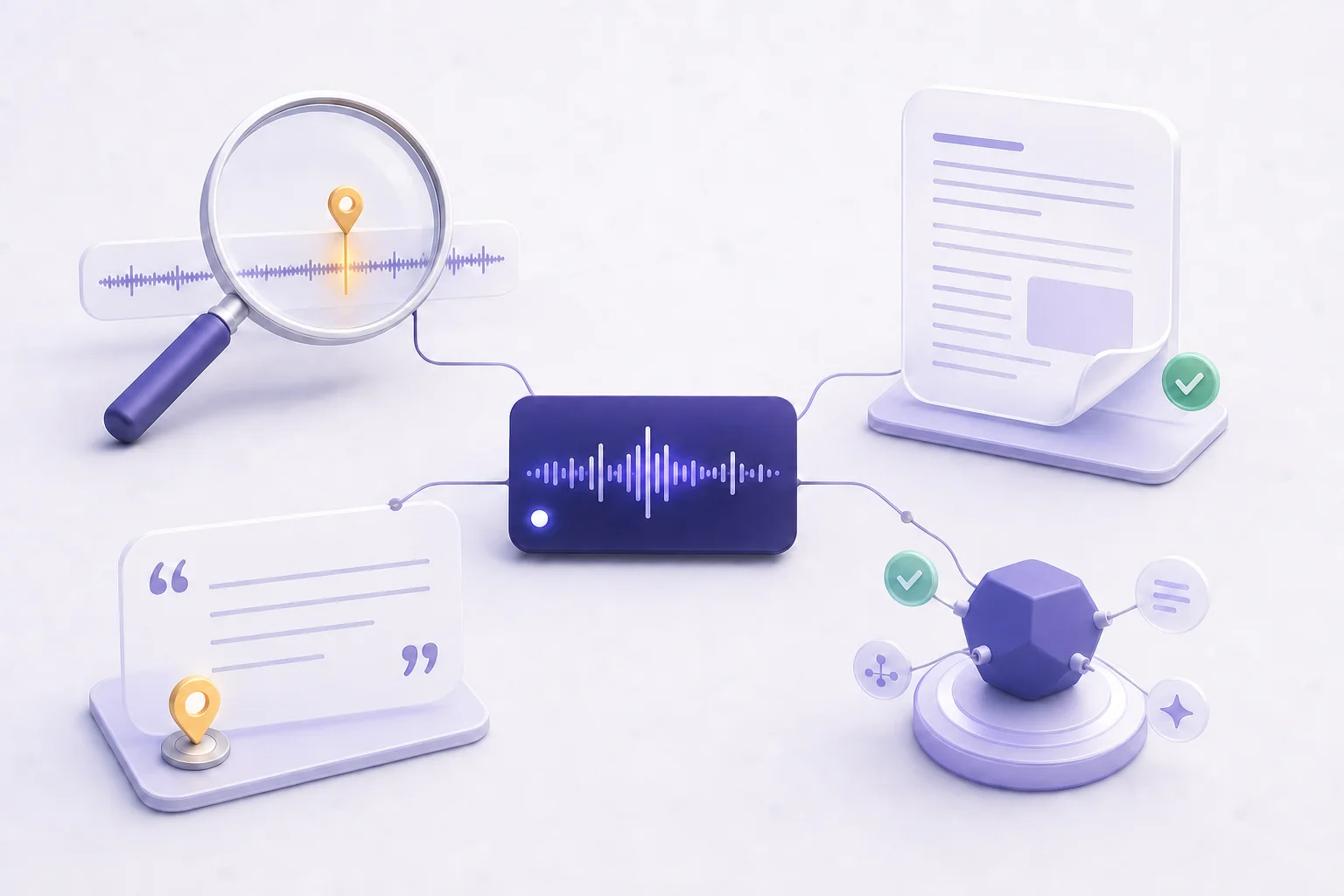
Your comments already know your next episode.
PodHood mirrors every YouTube comment on your episodes, labels sentiment and intent in any language, and clusters what your audience keeps asking for — every number one click from the comments behind it.

Stop scrolling the feed. Start reading the evidence.
A comment feed is audience feedback at platform scale — unstructured, unranked, unreadable past the first page. PodHood turns it into labeled, aggregated, checkable evidence, without touching the conversation.
Mirrored, never touched
Read-only import from YouTube: an episode’s most-liked and newest comments on first contact, then a daily pass for new ones. Reply, pin, and moderate on YouTube — every comment deep-links to its thread.
Every comment, labeled
Sentiment plus intent — Question, Suggestion, Praise, Complaint, Experience — analyzed in whatever language the comment was written. Chatter and spam are filtered out of every statistic.
Content ideas with receipts
Recurring asks surface in the audience’s own words once three comments voice the same thing — “more technical guests”, “fix the quiet audio”. Click any count and the stream filters to exactly the comments behind it.
Guests, topics, and moments
Reception broken down by guest and topic through each episode’s Brief, and every 12:34-style reference extracted — so you see which moments the audience keeps pointing at.
What can YouTube comments actually tell a podcaster?
The half of the story analytics can’t: what a listener wanted, misunderstood, valued, or wants next. Questions to answer on air, guests to bring back, complaints to fix, and the exact moments worth clipping.
The signal is rarely the loudest comment — it’s the specific need that recurs across independent listeners. Finding that is a clustering problem, which is exactly what scrolling a flat feed can’t solve once a show has any scale.
How does PodHood analyze podcast comments?
Every mirrored comment gets orthogonal labels: a sentiment, a primary intent, and any timestamp references it contains. The aggregate views — sentiment trend across episodes, intent distribution, recurring themes, per-guest and per-topic reception — are built from those labels.
Your own replies wear a Host badge and stay out of the aggregates, and noise is shown dimmed and excluded from stats. The hard rule everywhere: every number opens its evidence — no insight without the comments to back it.
Will PodHood reply to or moderate my comments?
No — by design. PodHood never writes anything back: no replies, no hearts, no pins, no deletions. The conversation lives on YouTube, where your audience actually is.
Every comment carries a deep link into its exact YouTube thread, so acting on what you learn is one click away. Whatever you do there — reply, pin, moderate — the next daily pass mirrors the result, and Refresh now pulls it on demand during a launch spike.
Your audience is already telling you what to make next — one comment at a time, where you can’t see the pattern.
Frequently asked questions
Pro and Studio — the capability follows the channel Owner’s plan. On Free the page describes the capability, and none of the channel’s comment data is pulled or analyzed.
No. Comment mirroring and analysis never draw from your Credit pool — Credits stay dedicated to indexing episodes.
No. Comments mirrors the YouTube comment section, so it’s available for YouTube-sourced channels only — an RSS feed has no comment source to mirror.
Any. Each comment is analyzed in whatever language it was written, so an international audience doesn’t need to comment in English to be counted.
No — that’s the point. Start from the aggregates: the sentiment trend, the intent split, the recurring asks. When a number matters, click it and read exactly the comments behind it before you act.
Grow from episodes you’ve already made.
Connect a YouTube channel or podcast feed — your back catalog imports in minutes, and every episode becomes another way for new listeners to find you. Free to start — no credit card.
Get started