Be found on Google for what you said.
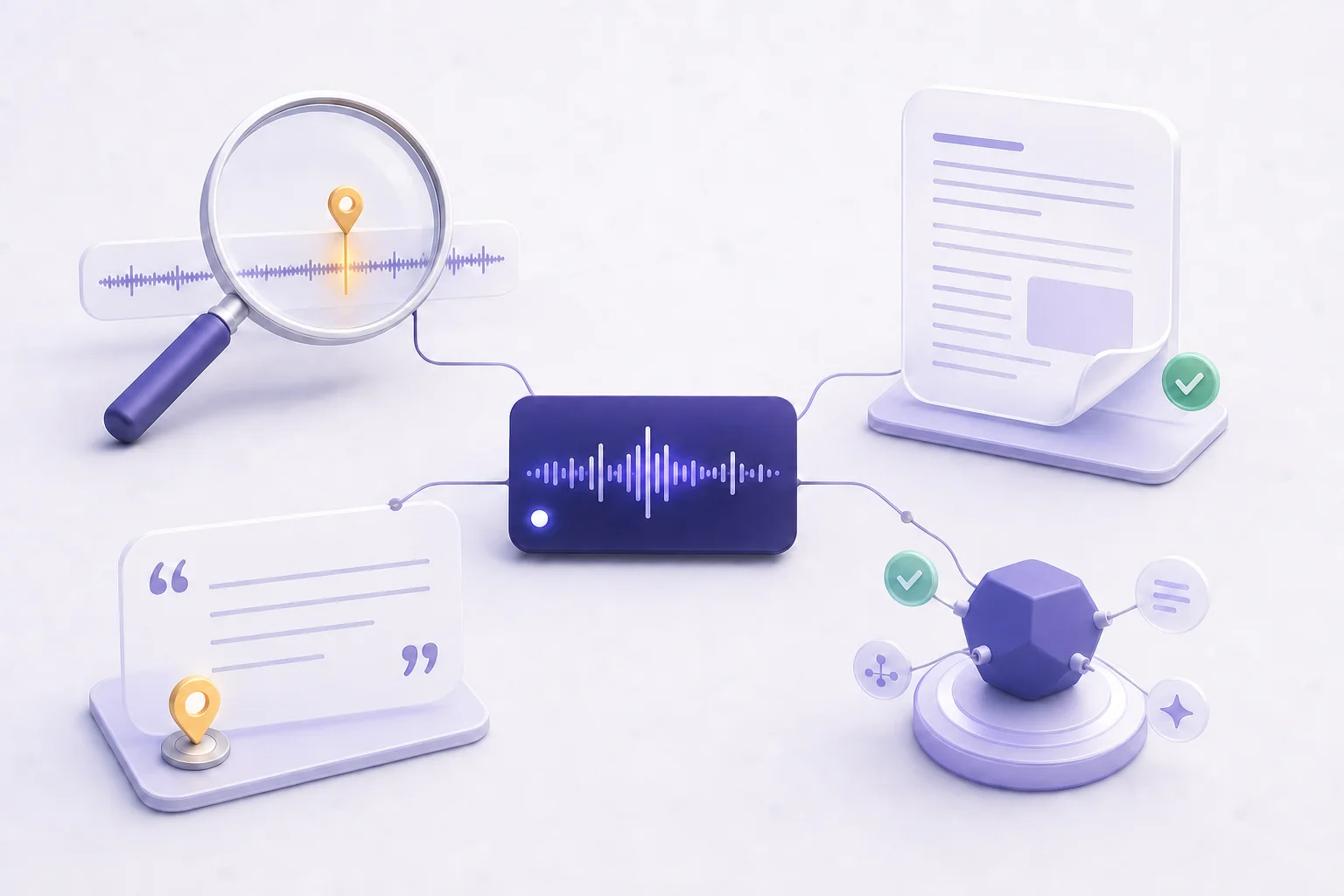
Search engines can’t index an audio file, so the people searching your topics never see your episodes. PodHood gives each one a real, text-rich, server-rendered page — the kind Google can crawl, rank, and send new listeners from.
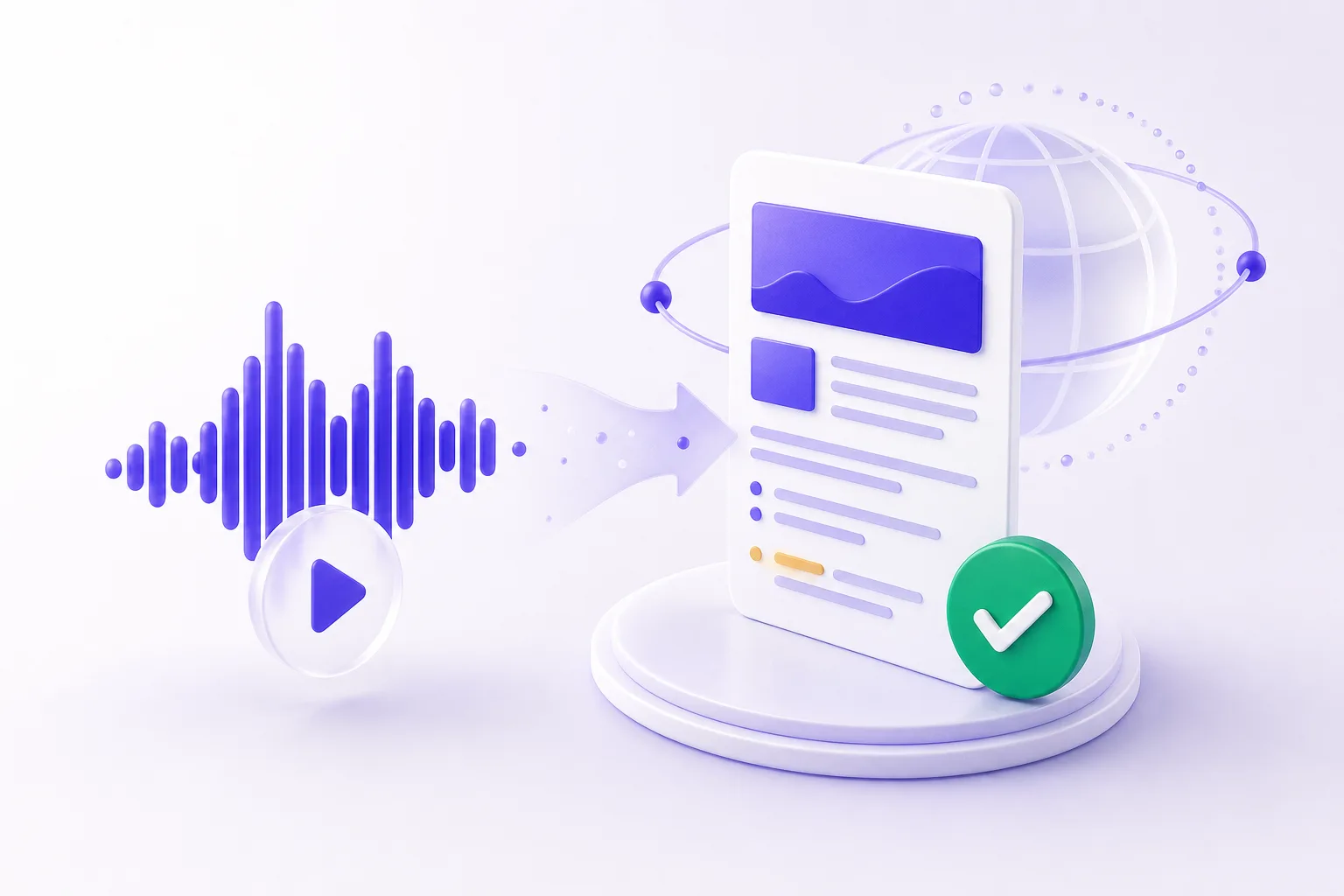
Audio can’t be crawled. This can.
The reason podcasts are invisible to search is simple: there’s nothing to read. PodHood fixes that at the source.
Server-rendered pages
Every episode is a full HTML page with transcript, summary, and chapters — indexable the moment it publishes.
Structured data
Schema.org markup for episodes, key moments, and entities gives search engines the structure they reward.
Sitemaps & feeds
Your library ships a sitemap and clean internal linking, so crawlers discover every episode and moment.
Long-tail coverage
Each episode competes for the specific questions it answers — the long-tail queries audio never reached.
Why doesn’t my podcast show up on Google?
Because search engines index text, and a podcast is audio. Google can’t listen to your episodes — it can only read the few lines of show notes around them, so the tens of thousands of words you actually said are invisible to search.
That’s why a show can own a topic for years and still lose the ranking to a thin blog post: the post is crawlable text, and the episode isn’t. Podcast SEO starts with giving every episode a real text surface — a page that contains what was said, structured so a crawler can understand it.
Do transcripts help podcast SEO?
Yes — the spoken words are content Google can rank, and a transcript is the only way it can read them. But a raw transcript dump is a wall of text with no headings, no structure, and no markup, so on its own it rarely ranks.
PodHood publishes the transcript as one layer of a structured page: a summary up top, chapters with timestamps, key moments, and the people, companies, and topics in the episode — each carrying Schema.org structured data. The same content, organized the way search engines reward.
How does PodHood get my episodes indexed?
Every episode becomes a server-rendered HTML page on your Library, listed in your sitemap and linked from topic and entity hub pages — indexable the moment it publishes.
New uploads join on their own: PodHood checks your channel hourly, indexes each new episode, and publishes its page without any manual work. Every plan lets you host the whole Library on your own custom domain, so every ranking accrues to a domain you own.
How is this different from YouTube SEO?
YouTube SEO tools optimize how a video ranks inside YouTube — titles, tags, thumbnails. PodHood covers the half they don't touch: everything said in the video is invisible to Google as text, so a talk channel's best answers never rank outside YouTube. PodHood publishes that spoken content as crawlable pages on your own domain.
The two are complementary, not competing. Keep optimizing titles and thumbnails for YouTube's algorithm; connect the channel to PodHood and the conversation itself starts ranking on Google and getting cited by AI — surfaces YouTube metadata alone can never reach.
Your best episode has answered a hundred search queries. Until it’s a page, Google will never know.
Frequently asked questions
No. PodHood publishes your Library as a complete, crawlable site out of the box. Every plan can serve it on your own custom domain — recommended, so the search authority your episodes earn accrues to a domain you own.
Each page ships Schema.org markup: the episode as a PodcastEpisode in its series, chapters and key moments as deep-linkable clips, breadcrumbs, and the people, companies, products, and topics mentioned — the structure search engines and answer engines reward.
Yes. Connect a YouTube channel or a podcast RSS feed — either way, every episode is decomposed into the same structured Brief and published as a crawlable page.
No — they’re built from content that doesn’t exist as text anywhere else: the conversation itself. Show notes summarize an episode in a paragraph; the Library page carries the full transcript, chapters, and key moments, and ranks for the long-tail questions the episode actually answers.
PodHood checks your channel hourly. A new upload is indexed on its own, and its page joins your Library and sitemap automatically — no per-episode work.
Grow from episodes you’ve already made.
Connect a YouTube channel or podcast feed — your back catalog imports in minutes, and every episode becomes another way for new listeners to find you. Free to start — no credit card.
Get started