Your listeners become an email list you own.
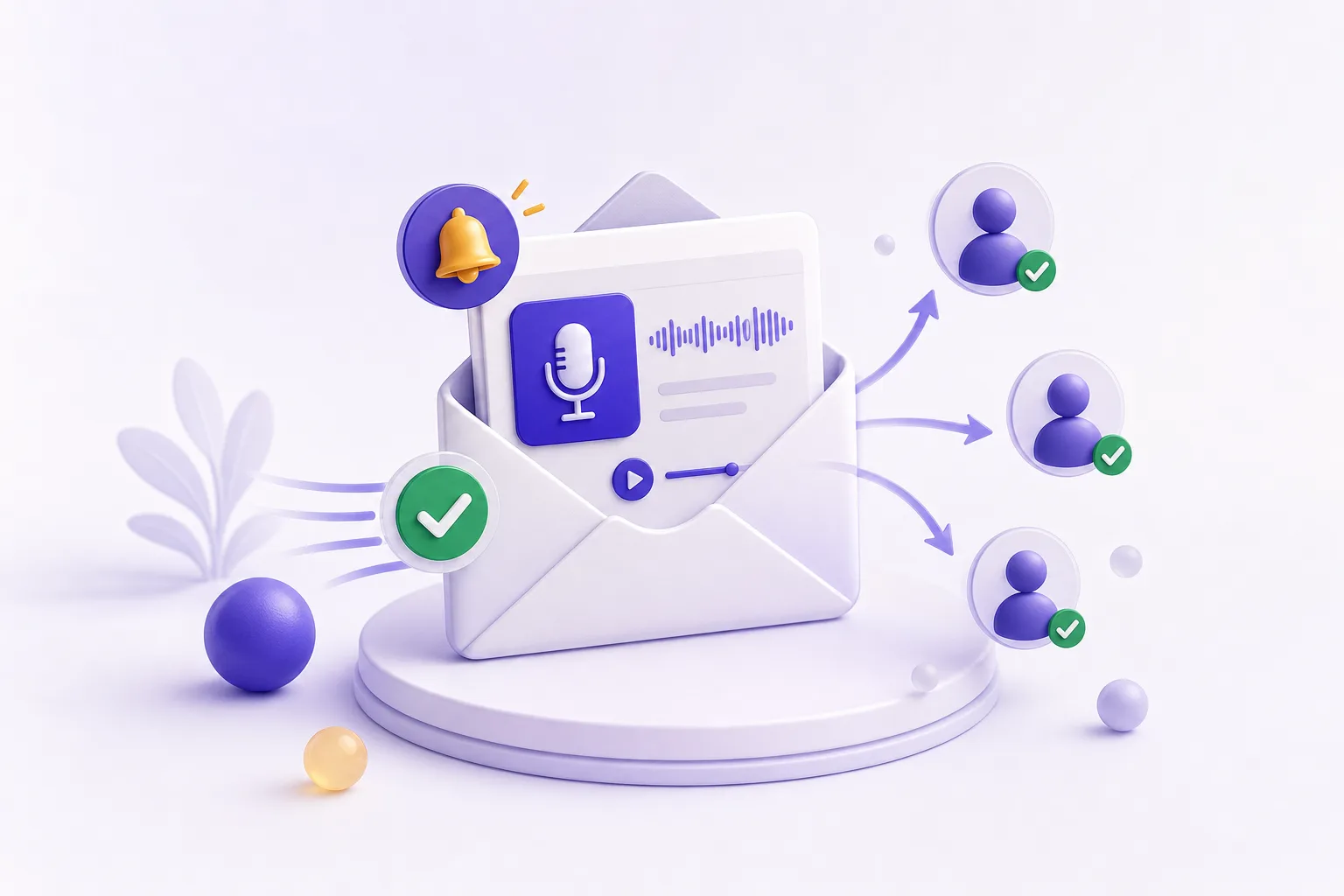
Every PodHood Library has Subscribe built in. Listeners follow your show in one click, and each new episode automatically sends them its brief — chapters, key moments, deep links — under your show's name, with every link on your domain. No newsletter tool, no automation to wire up.
A podcast email list without the email stack.
A platform subscriber is rented reach: an algorithm decides who sees your next episode, and you never learn who they are. PodHood closes that gap with the Subscribe button, the subscriber roster, and the new-episode send already built into your Library.
Subscribe, built into your Library
One click on your Library — subdomain, custom domain, or white-label — signs a listener in with Google or an email code and creates the follow. No landing pages, embed widgets, or signup forms to build, and every follow is a verified, reachable address.
The new-episode email writes itself
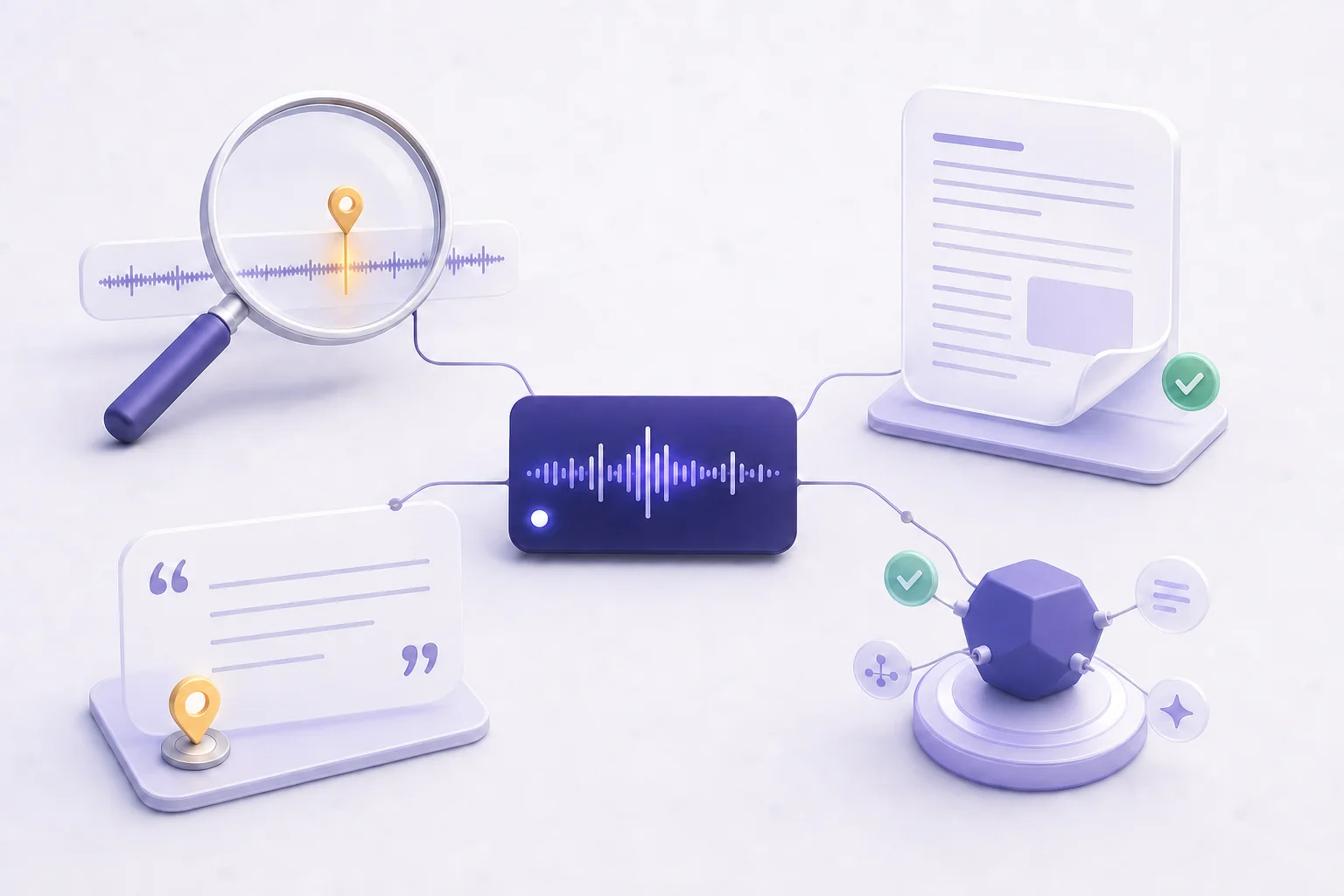
Not a bare “new episode is out” ping: each send is the episode’s brief — grounded summary, chapters, and typed key moments, every one deep-linked to its exact second in your Library. Your show’s name is the sender, in your show’s language.
A list you can actually see
Studio → Subscribers shows every follower’s name, email address, subscribe date, and whether they’re receiving email — plus how many subscribers the next episode goes out to. Your audience as a roster you own, not a platform’s hidden metric.
Deliverability handled
One-click unsubscribe (RFC 8058) in every send, verified addresses only, links on your own domain, and an at-most-once guard per episode — importing a back catalog or re-indexing never blasts your list. You never touch email infrastructure.
Why does a podcast need an email list?
Because platform subscribers are rented reach. YouTube shows a new episode to a slice of your subscribers and never tells you who they are; an email list is the audience relationship you own — real addresses you can see, reach directly on every release, and keep no matter what an algorithm changes next.
Owned reach also compounds differently: every share, search ranking, and AI citation that lands a visitor on your Library is a chance to convert them into a subscriber you can reach forever after. The promotion you already do stops evaporating between episodes.
How does PodHood's new-episode email work?
PodHood checks your channel or RSS feed hourly. When a newly published episode finishes indexing, PodHood automatically emails every subscriber that episode's brief — once per episode, with chapters and key moments deep-linked to the second, and every link built on your own domain when one is connected.
The send is deliberately conservative: only fresh episodes notify, so connecting years of back catalog emails no one, and re-indexing an episode can never re-send it. Your team receives the same email your audience gets, so every send doubles as a QA pass.
Do I still need Mailchimp or a newsletter tool?
Not for episode announcements. The usual setup chains a podcast host to Zapier to an email tool and a template you maintain; on PodHood the Subscribe button, subscriber store, email template, and sending infrastructure ship with your Library — connected the day your channel is.
That works because the email isn't a separate artifact to produce: it's another surface of the same structured brief that already powers your pages, search, and AI citations. When indexing finishes, every surface — including the inbox — updates from one structure.
An algorithm decides who sees your next episode. Nobody decides who gets your email.
Frequently asked questions
Every plan, Free included. The Subscribe button, the Studio roster, and the automatic new-episode email are part of every Library — they're how a Library turns visitors into an audience, not an upsell.
The episode's brief: title, thumbnail, grounded summary, and the chapter map with typed key moments — Insight, Quote, Q&A, Prediction, Debate, Story — each deep-linked to its exact second in your Library reader, plus Listen now and Visit channel buttons. Sent under your show's name, in your show's language.
One sign-in on your Library — Google or a one-time email code — verifies the address and creates the follow. It happens on your domain, and a signed-in subscriber who clicks an email link lands signed in.
Not from YouTube — the platform never shares subscriber contact info, no matter how large the channel. What you can do is convert viewers into your own list: connect the channel, point viewers at your Library, and every subscribe there is a name and address you can see in your Studio.
No. Only episodes published within the freshness window notify, so connecting an archive of hundreds of episodes sends nothing. Each episode also carries an at-most-once guard: re-indexing, edits, and retries can never re-send it.
Every email carries one-click unsubscribe (RFC 8058) plus a footer link. Unsubscribing mutes email without deleting the follow — muted ≠ left — and the Studio roster always shows who's still receiving mail. Subscribing again turns email back on.
Grow from episodes you’ve already made.
Connect a YouTube channel or podcast feed — your back catalog imports in minutes, and every episode becomes another way for new listeners to find you. Free to start — no credit card.
Get started